Tech Focus: The battle against latency
Measuring input lag, and how devs have reduced its impact on the gameplay experience

An element we often discuss in Digital Foundry articles is controller lag - the delay between a player's pad input and the resultant action kicking off on-screen. It's fair to say that over the last few years, as displays and rendering technology have increased in sophistication, so the responsiveness of our games has diminished. This is not a good thing. Typically, the more responsive our games are, the more we feel connected to the experience, and the more immersive and satisfying the game feels to play.
Compare an old sprite-based Mega Drive shooting game played on a CRT TV of the era with one of today's FPS games on a flat panel display and the difference is quite remarkable. We have been conditioned to accept a growing level of latency - and it's exactly this kind of perception that makes Cloud gaming systems like OnLive and Gaikai work. The lag is definitely there, it's just that gamers have become conditioned to accept it. Even the design of video game controllers has added to the problem of less responsive games: PlayStation Move is a beautifully designed device, but it's still slower to track movements than a Dual Shock 3's analogue sticks, and the less said about Kinect's latency issues, the better.
However, there's undoubtedly an increasing realisation in the development community that understanding and lowering input lag leads to a better gameplay experience, and several studios have been in touch with us to discuss the methodology involved in measuring latency - as good a reason as any for this article.
Typically, the more responsive our games are, the more we feel connected to the experience, and the more immersive and satisfying the game feels to play.
While latency measurement can be carried out from within code, a growing number of developers are using outside measurement as a tool in identifying areas where controller response can be improved. The techniques for latency measurements were initially published by Neversoft's Mick West, who has written a couple of excellent articles for Gamasutra on the reasons why we have latency in games and indeed how to measure it - required reading.
West's technique is very simple: film the screen using a high-speed camera (he used a Canon Powershot point and shoot camera with a 60FPS video mode) but make sure that the controller and the display are in the same shot. You can then simply count the amount of frames between the moment a button is pressed and the resulting action occurring on-screen. At 60FPS, each frame occurs for 16.67ms of delay, so a delay of, say, six frames equates to 100ms of latency.
Complicating matters somewhat is the presence of latency in another area: the display itself. An old-skool CRT display produces an image free of lag. However, modern flatpanel screens all suffer from latency to some degree or another: indeed, the popular "game mode" found on many HDTVs is designed to turn off as much latency-inducing post-processing as possible, to give a faster, crisper response.
West's solution was ingenious. He hooked up a CRT to his source, and measured responsiveness of the PS3 XMB in order to produce a baseline measurement of 50ms - or three frames. He then repeated the same experiment on his LCD, with anything above three frames being a direct response of additional latency within the display itself. This extra lag can then be factored out of any additional testing you may undertake on your LCD or plasma display.
What is worth adding at this point is that further measurements may be required according to the resolution of the source. Feed a 720p image to a 1080p/1200p display and you can expect more lag compared to presenting it with a native "full HD" signal: the screen needs to add an additional processing element: scaling the 720p image to the native resolution of the display. On our "oldie but goodie" office Dell 2405FPW display, we found that the screen added an additional three frames or 50ms (!) of lag when given a 720p input, but "only" two when fed 1080p.
When putting together the original Digital Foundry article on console lag, we did come across a couple of problems in using Mick West's methodology. Firstly, filming both controller and screen simultaneously wasn't particularly comfortable, and secondly, there was an element of doubt about the exact point at which the button was pressed. As this is an exercise in measurement, the introduction of any uncertainty on the results wasn't particularly welcome, and the nature of filming both controller and screen at the same time could make extended filming sessions similarly imprecise: what if your hand moves out of shot, for example, or what if the camera auto-focuses out what you really need to see?
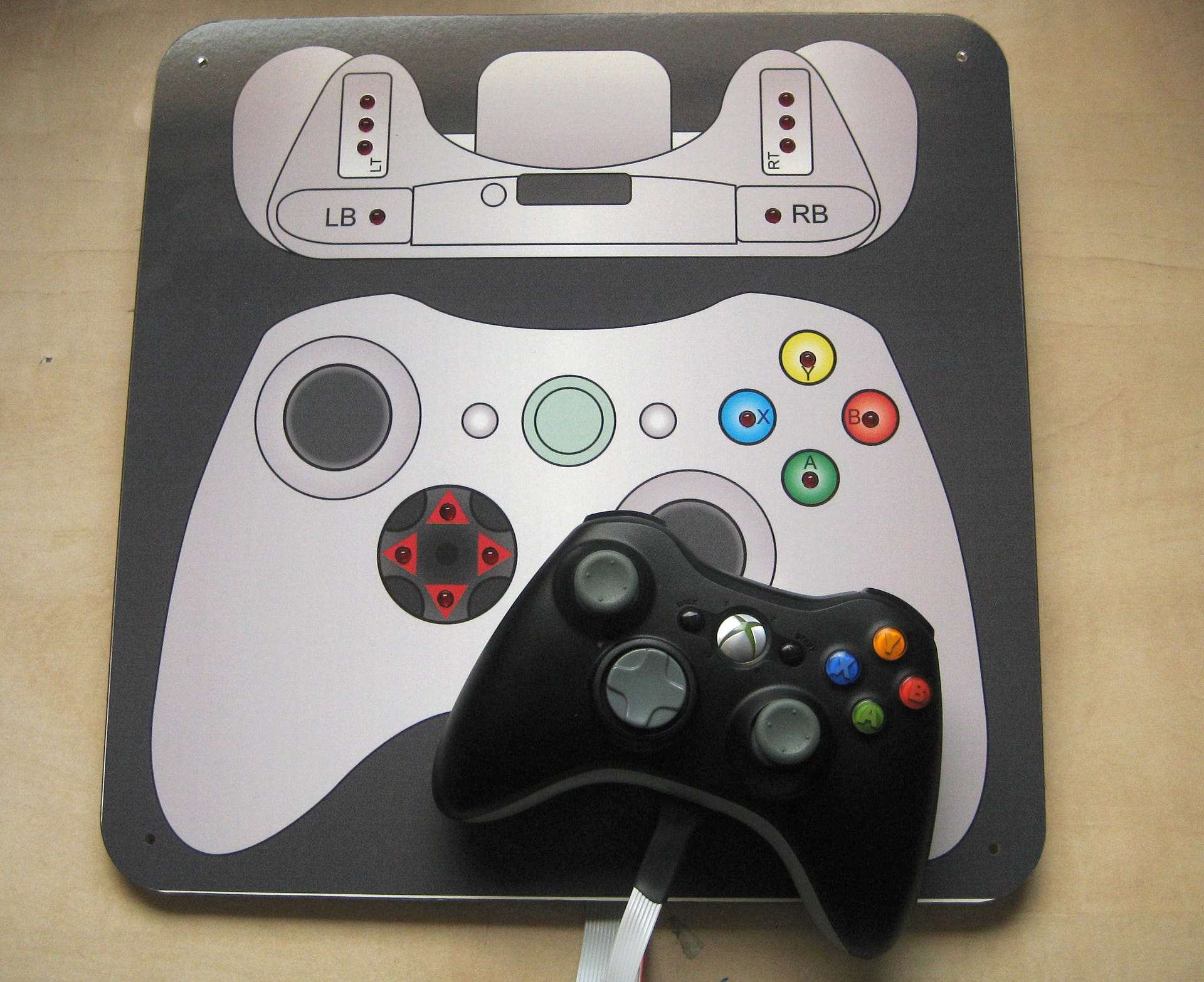
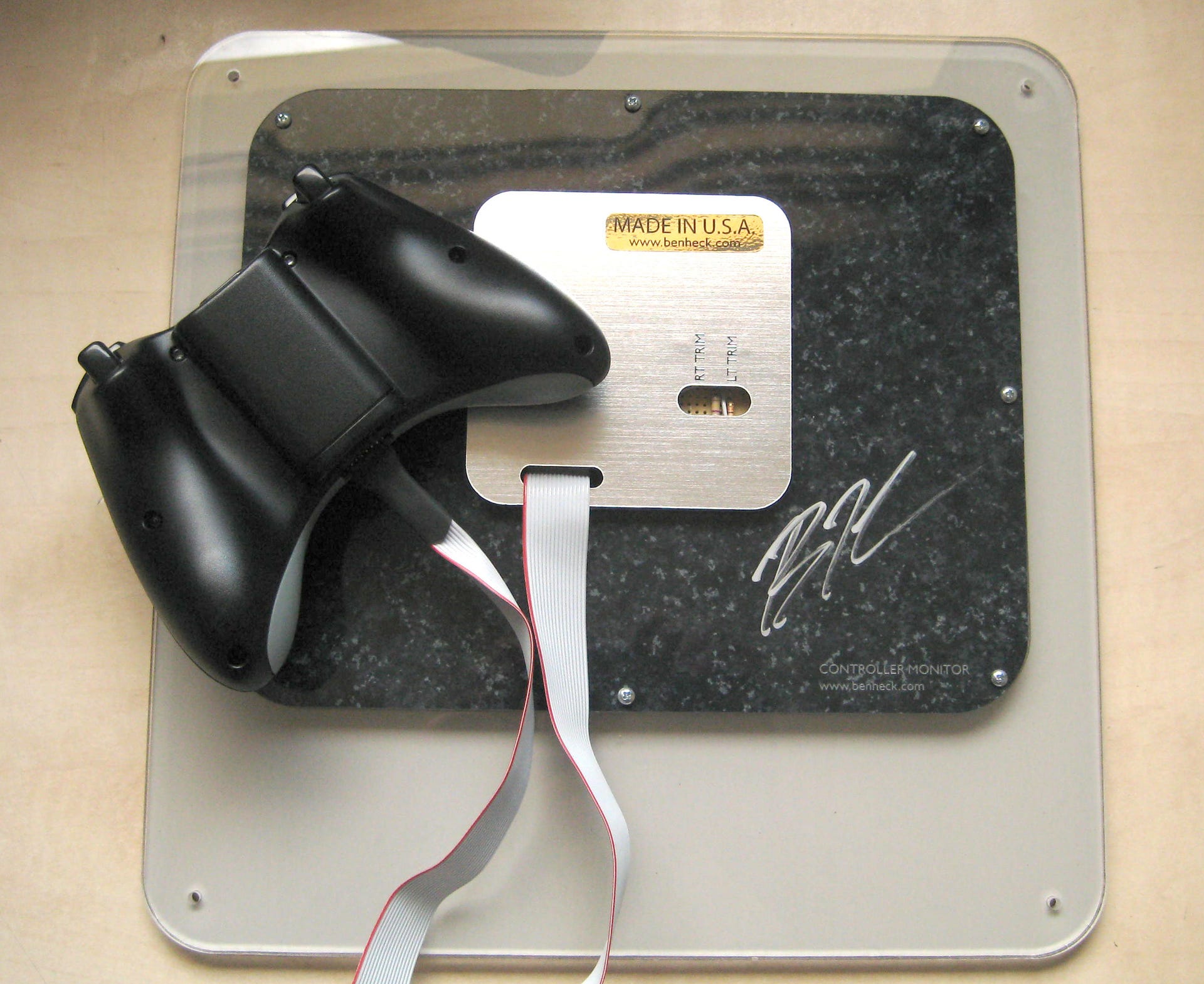
The issue was resolved by Call of Duty makers, Infinity Ward, who commissioned modsmith extraordinaire Benjamin Heckendorn to produce a custom Xbox 360 controller, connected to a board that lit LEDs that corresponded with playing inputs.
"We commissioned Ben to make us the light board after a programmer saw me spending a lot of time filming myself pressing buttons in front of a CRT to test input latency," Drew McCoy of Infinity Ward (now Respawn) told us during our initial experiments.
"He, being a programmer, was obviously frustrated that such an imprecise method was used to test something that he and the rest of the engineers here at Infinity Ward spend a great deal of time and energy on - reducing input latency."
In short, Mick West's methodology was improved by taking out the uncertainty of when the button was being pressed, giving a straight digital indication of the "zero frame" event, the point at which you start measuring. Now it's possible to simply film the screen and board in one easy shot and Heckendorn's custom controllers are available to anyone willing to buy them, with both Xbox 360 and the more difficult to make PlayStation 3 version both available.
The only way to improve the testing still further is to improve the sample rate of the camera itself. In line with West's suggestions we used a 60FPS video mode in a cheap Kodak Zi6 camera. However, choosing a faster camera would help ensure a better measurement, and there are a number of appropriate, cost-effective models out there: the Nikon Coolpix P100, Casio Exilim EX-FH100 and Fujifilm HS10 will all film 480p at 120FPS, for example, while the Casio ZR100 and ZR10 yield a 432x320 image at 240FPS. Switching to a faster camera would help issues whereby the LED on the controller monitor board activates later on in the exposure of a particular frame while filming.